CASE STUDY
Every widget comes with a cost
We analyzed 5,000+ dealer websites to uncover the hidden impact of third-party tools on site speed and identify the performance thresholds that will protect your lead conversion.
Featuring


THE CHALLENGE When do helpful tools start hurting performance?
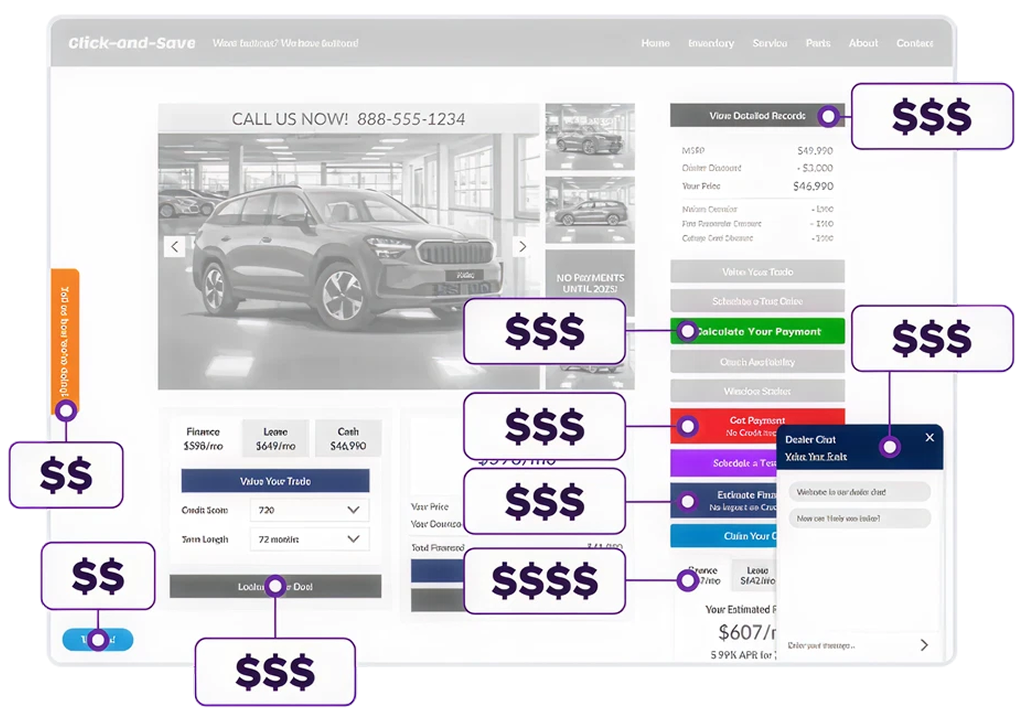
Dealers rely on dozens of third-party tools to create competitive advantages. Chat widgets, trade-in calculators, analytics trackers, review platforms, and more. But there’s a hidden cost.
Every script added to your website competes for priority as the page loads, which leads to slower load times and unstable page layouts that quietly erode conversion rates by frustrating shoppers.

The question wasn’t whether third-party (3P) tools impact performance — it was how much impact, and where the tipping point occurs between helpful and harmful.

The question wasn’t whether third-party (3P) tools impact performance — it was how much impact, and where the tipping point occurs between helpful and harmful.

Insight to act on
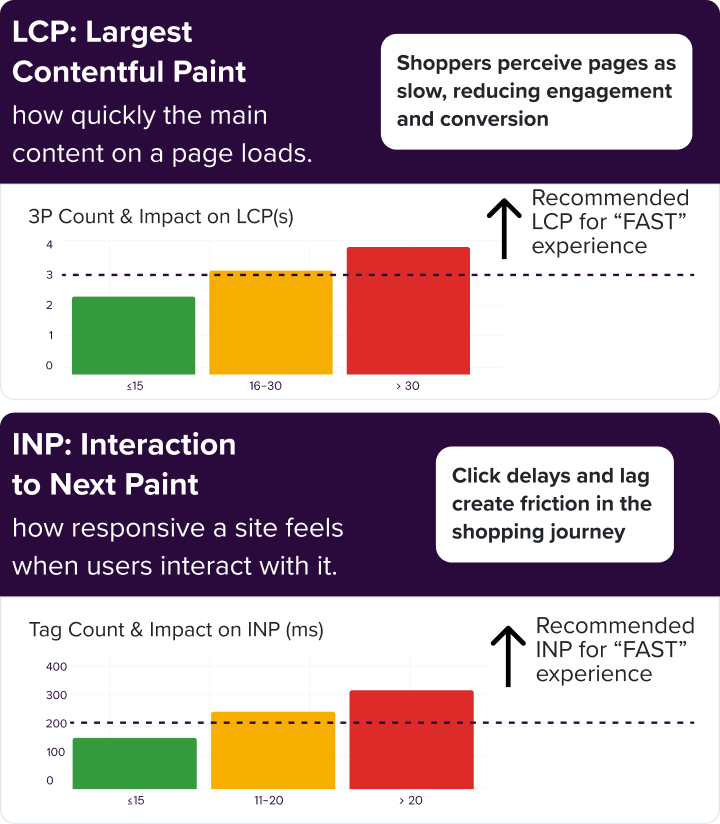
To achieve “Fast” ratings across Core Web Vitals, aim for 15 or fewer third-party scripts
and no more than 5 marketing or Google Tag Manager tags.
THE RESULTS Measurable thresholds for action
We examined data from over 5,000 dealer websites across every major OEM brand to identify patterns between third-party tools and site performance. Using data from Google’s PageSpeed Insights API, our team focused on key Core Web Vitals metrics that reflect real-world user experience:

CLS: Cumulative Layout Shift
how much content shifts during page load.
- Third-party widgets that inject content during page load, like chat tools or review widgets, frequently triggered layout shifts that disrupted the user experience.
- Sites using native placements or asynchronous loading saw significantly fewer shifts and a more stable, trustworthy appearance.
THE SOLUTION Strategic script management within a connected ecosystem
The answer isn’t eliminating third-party tools entirely — it’s managing them strategically and prioritizing integration within a performance-optimized platform.
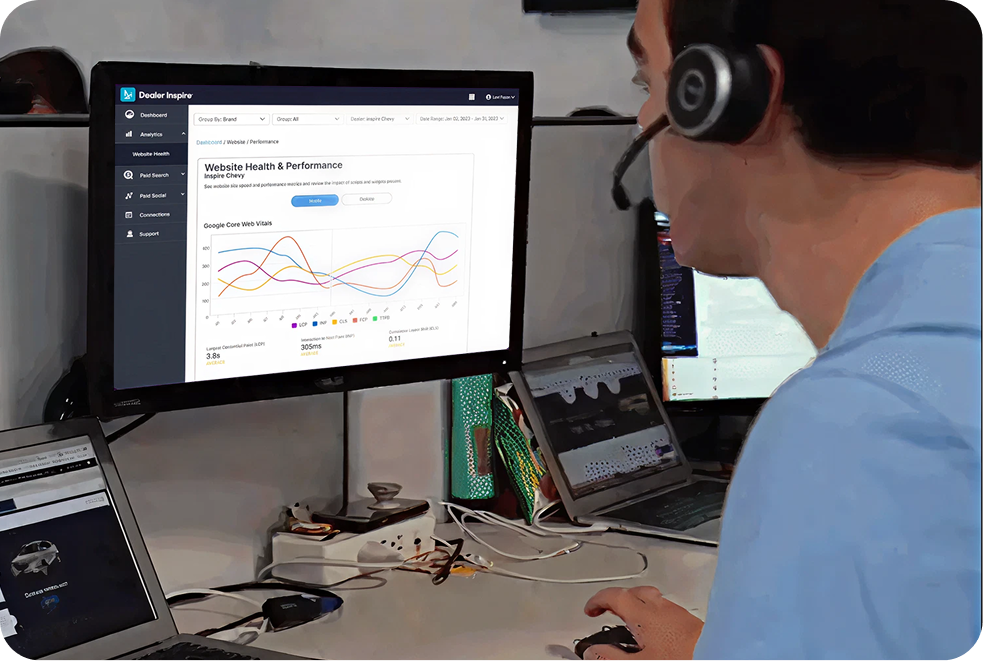
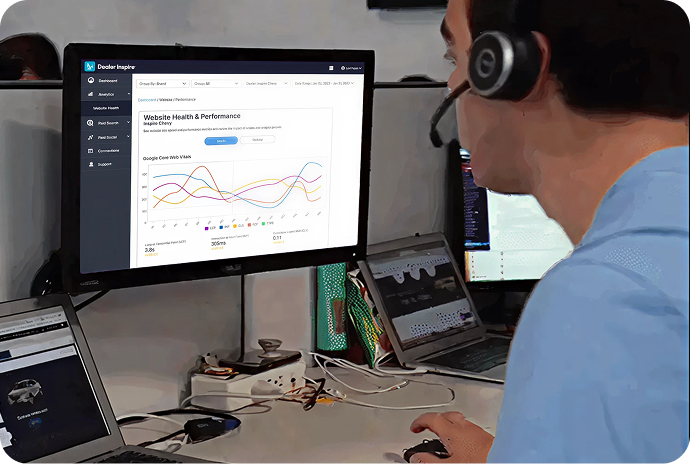
Dealer Inspire’s Website Health Report gives every customer real-time visibility into their site’s performance metrics and the specific third-party tools affecting them. The report tracks changes over time and identifies which scripts are creating blocking time measured in milliseconds.
Some things you can do now:

Audit quarterly: Regularly audit your site to eliminate unnecessary, redundant, or legacy scripts, including tags left behind by prior vendors, to maintain optimal speed and data integrity
Consolidate tags: Combine multiple GTMs when possible and remove forgotten tags from terminated vendor relationships
Avoid: Third party tools that manipulate the layout of your page content creating annoying layout shifts for users

How to check your
website diagnostics
Featuring


THE BOTTOM LINE Why site speed really matters
Site speed directly impacts your website’s ability to convert traffic into leads. Faster load times mean shoppers stay engaged longer, view more inventory, and are more likely to submit a form or pick up the phone. When your site performs well, your marketing investment works harder.


YOUR TURN Take control of your site’s performance
Review your Website Health Report today to understand how third-party tools are impacting your site speed and user experience.
Already on Dealer Inspire?
Access your website health reportWant to learn more about optimized website performance?
Schedule a demo“You’re gonna get a very accurate appraisal — the same number, every single time no matter who does it.”
George Isaac
Service To Sales Manager
Toyota of Ann Arbor
)